Lid Angle
120°
A magnetic sensor in the hinge measures how far the screen is open, to a tenth of a degree. macOS reads it constantly and shows it to nobody.
Empty on a desktop Mac: no hinge to measure.
 MacFeel
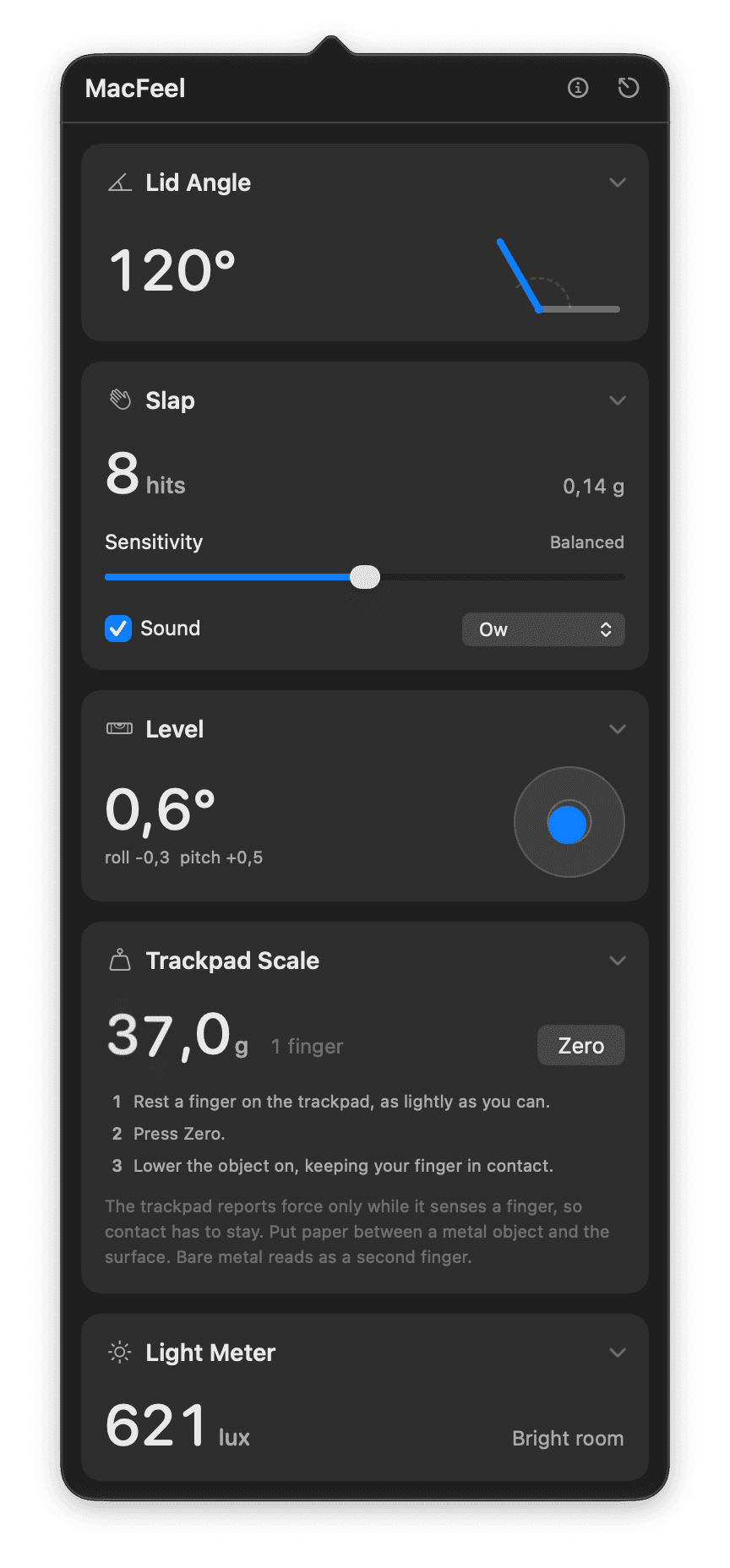
A magnetic sensor in the hinge measures how far the screen is open, to a tenth of a degree. macOS reads it constantly and shows it to nobody.
Empty on a desktop Mac: no hinge to measure.
The sensor that parks drive heads mid-fall catches every knock on the chassis. MacFeel keeps the tally and the g-force behind each one.
The three-axis accelerometer knows which way down is, so it knows how far off flat your desk sits. Roll and pitch, live.
Force Touch measures grams to fake a click you can feel. Read that number instead and the trackpad weighs whatever you set on it.
Empty without a Force Touch trackpad.
The ambient light sensor that dims your display at dusk, in raw lux: a moonless night to a July afternoon.
The values above are the ones in the screenshot: one Mac, one moment. The app reads the machine it is running on.
Installs the same build into Applications, then clears the quarantine flag macOS puts on the download.
$brew install -y --cask ttsalpha/tap/macfeel && xattr -dr com.apple.quarantine /Applications/MacFeel.app